
How It Works
The same six steps, every month, for every site.
Most of the monthly cycle runs on its own schedule, day and night. Your team steps in to approve, not to type.
Your WeBill month
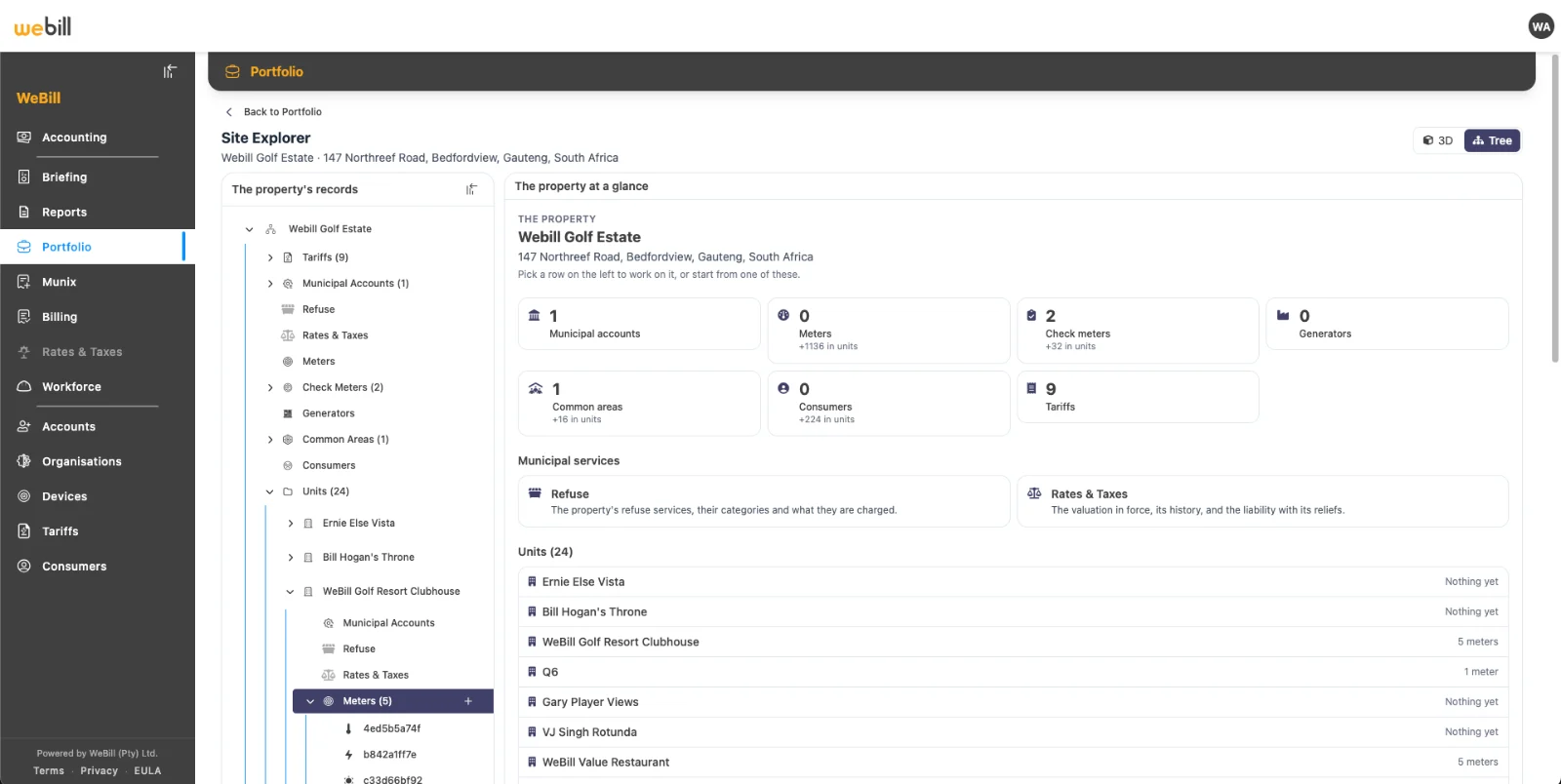
Set up a new site from three files.
Property Studio builds a new site from a meter list, a tenant list and a recent supplier invoice. Keep your current meters and meter readers.
A meter list
Every meter at the site, from any of 30+ meter makers, or read by hand.
A tenant list
Units, tenants and the owner or fund each one belongs to.
A supplier invoice
A recent municipal or Eskom account, so tariffs line up from day one.
A live site in WeBill
Ready for its first monthly cycle.
Six steps. Most of them automatic.
Every month WeBill runs the same six steps for every site. Blue steps run on their own; amber steps wait for a person to approve.
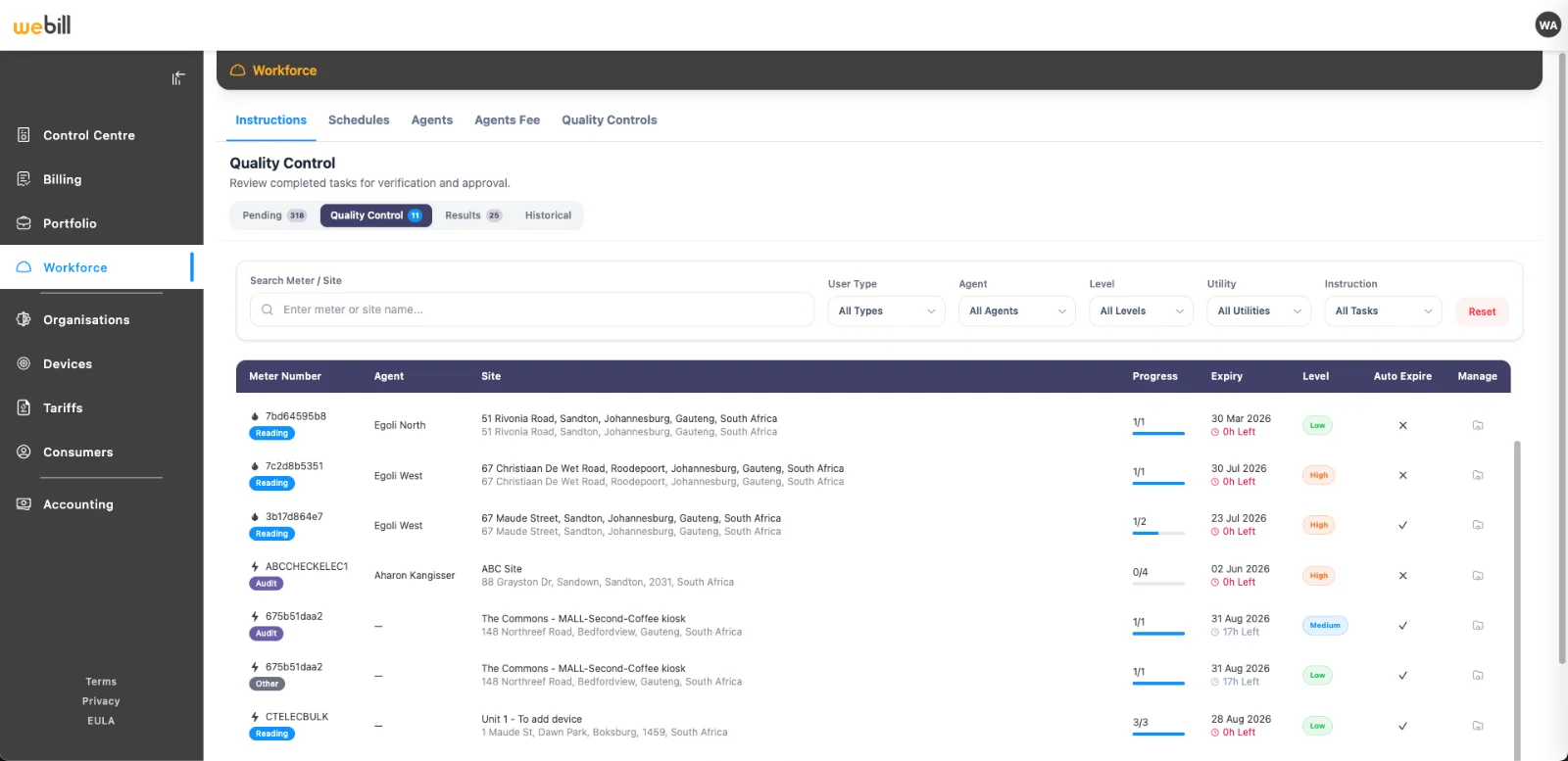
Collect Readings
Smart meters report automatically, many every hour, over Riecktron, Sigfox and NB-IoT. Other meters are read in the WeBill app with photo and GPS proof.
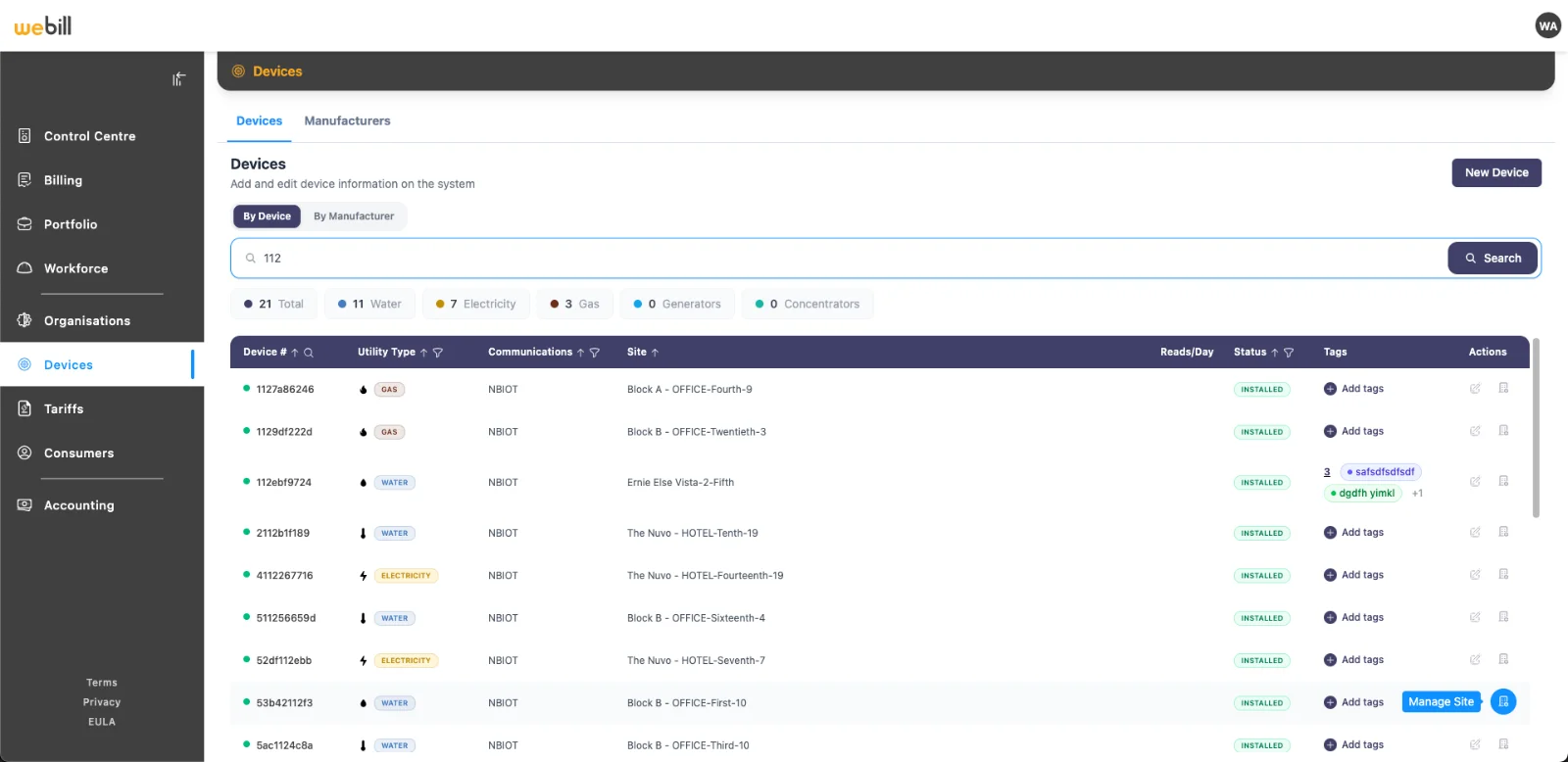
Check Readings
Missing data, zero use, unusual jumps and the wrong location are flagged daily. Gaps are estimated, then corrected when the real reading arrives.
Apply Tariffs
1,500+ Eskom and municipal tariffs, with time-of-use, seasons, blocks, demand and public holidays applied for you.
Bill Tenants
The bill run starts on its own on the 1st, sharing common-area costs and reconciling check meters. Your team reviews and releases.
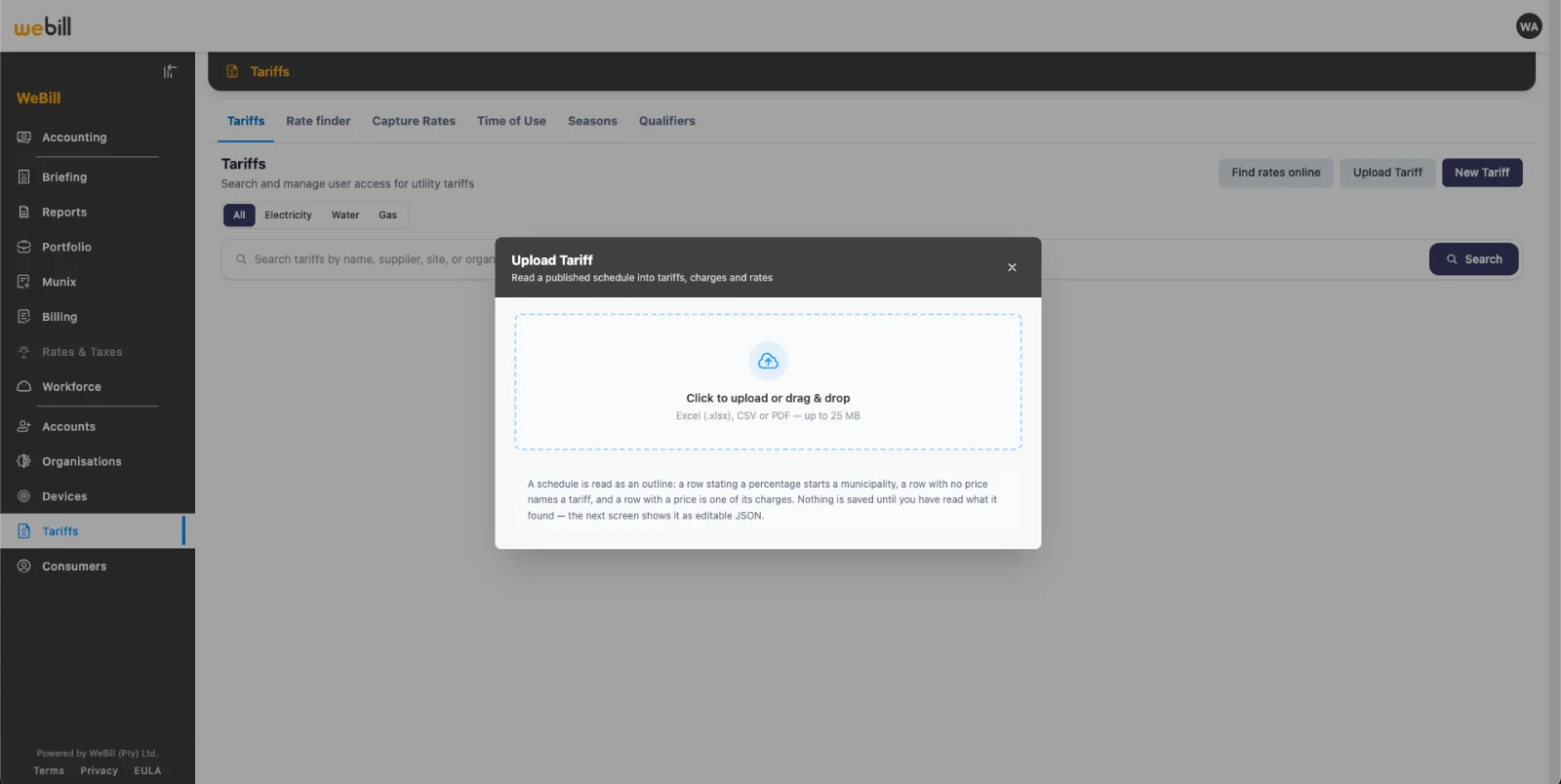
Check the Supplier
Upload the municipal or Eskom invoice. Each line is recalculated from your own meter data, including rates and refuse.
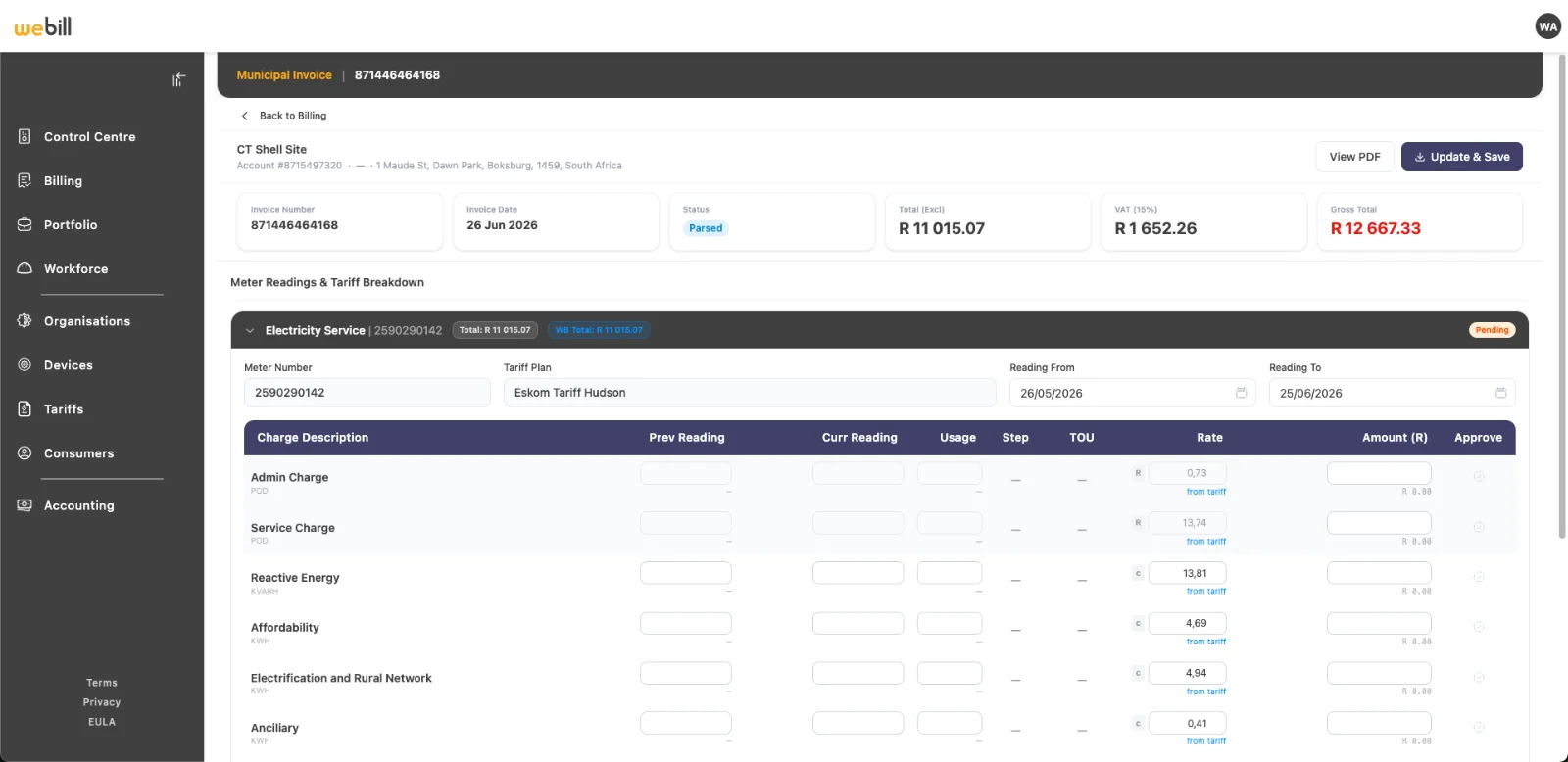
Analyse and Advise
Every night, what you paid is compared with what you recovered, and the next action is ranked by rand value.

Month-end without the spreadsheets.
- Readings arrive every hour; read lists created each night
- A daily list of meters that stopped reporting
- Estimated automatically, trued up next month
- Priced on the correct, dated tariff as it arrives
- Shared by area, usage, percentage or check meter
- The bill run starts by itself on the 1st
- Balances deducted; supported meters switched off and back on
- Every line recalculated against your meters
- Letters drafted, deadlines tracked, follow-ups sent
- Packs drafted on the 2nd; weekly insights email
In the field and on the tenant’s phone.
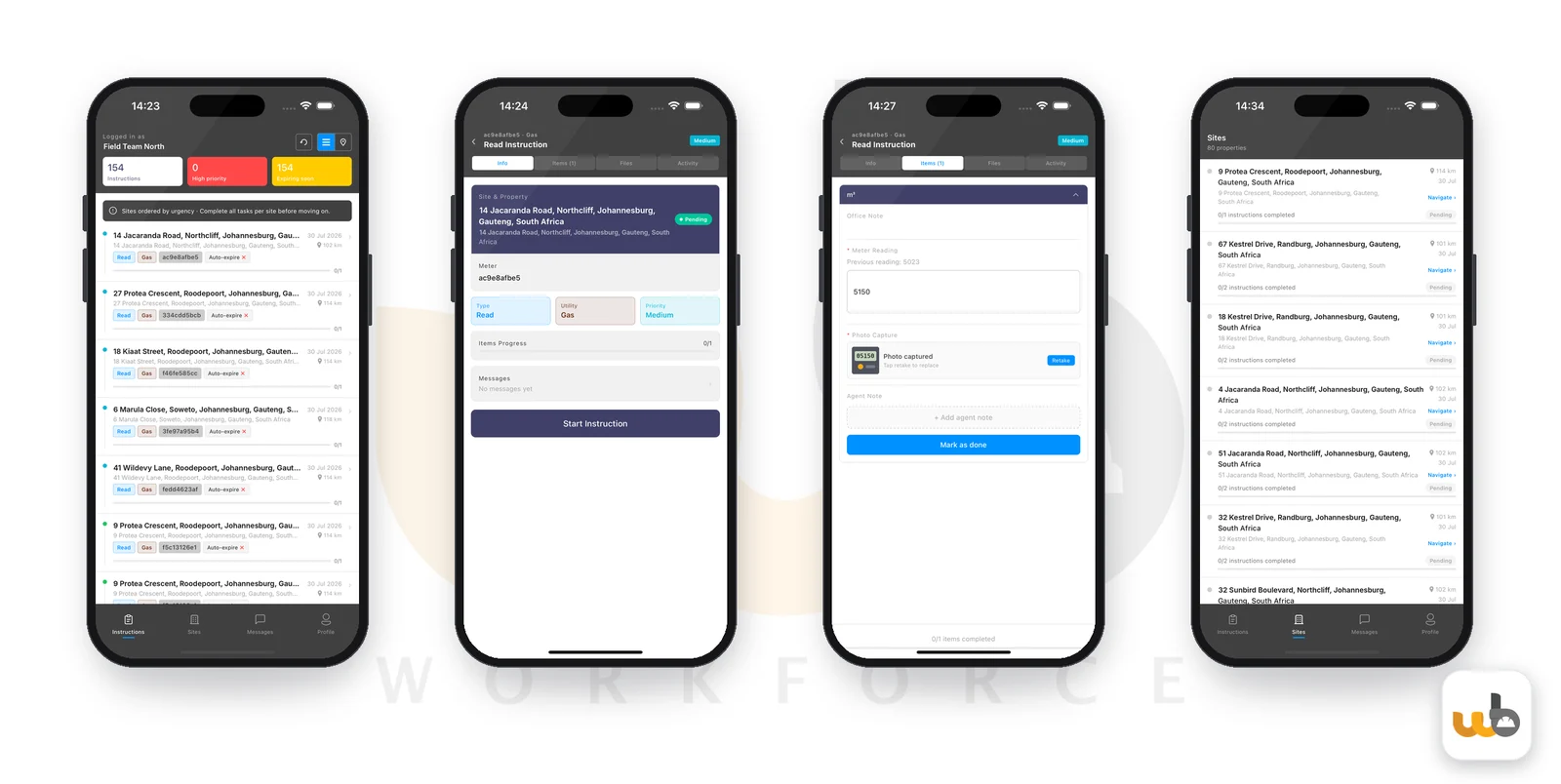
The WeBill Workforce App
Read lists are created each night and opened and closed on time. Every hand reading carries its own proof.
- Read lists created from schedules
- Photo and GPS proof on every reading
- Meter number, zero and unusual use checked
- Works offline, syncs when back in signal
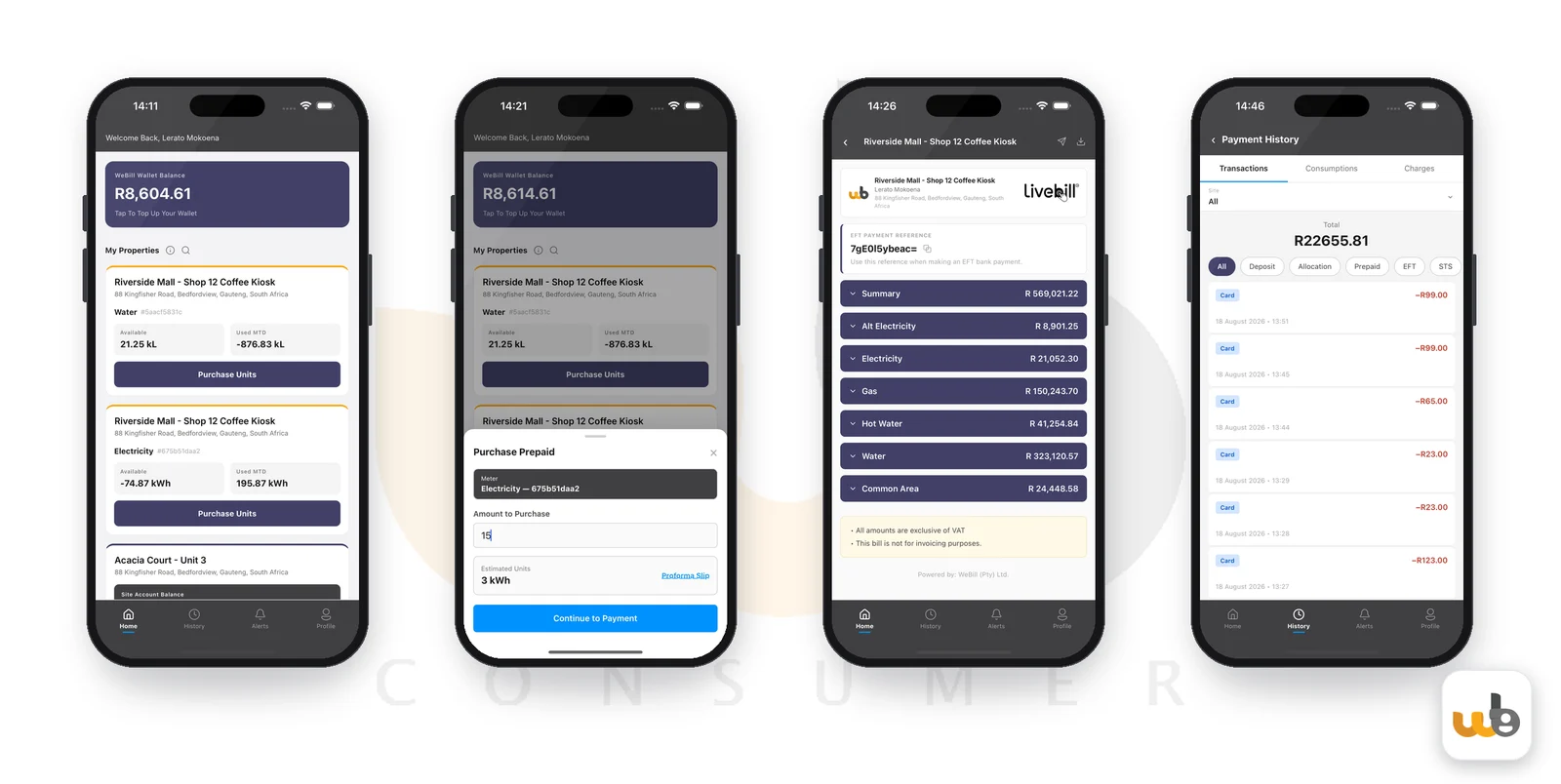
Consumer App
Tenants see their bill, bill history, prepaid top-ups and alerts on their phone, and can query a bill line live with LiveBill. Prepaid balances are deducted automatically.
- Bill history, and live bill queries with LiveBill
- Prepaid and wallet top-ups
- Alerts and reminders before supply is switched off
- Supply restored automatically after a top-up
WeBill prepares. People approve.
Automation does the typing. Every decision that touches money still goes past a person.
- Bills are reviewed before they are released
- Supplier checks are approved by a person
- Recommended actions run only after a manager accepts the plan
- Published tariff rates can’t be changed, so every bill traces back to its rate
See the monthly cycle on your portfolio.
We’ll walk you through how WeBill would run across your sites and owners, with no commitment required.